How a claim earns its place
Independent player-made guide. Not affiliated with Roblox or Deform Dynamics.
Try writing a one-line instruction for a driver who's just lost a front wheel. “Press R to reset” sounds handy until you watch two people try it. The driver still in the seat gets a repair. The driver standing halfway down the road calls the car over. Both November PC control panels give R those jobs. That's why we put the seat, the key and what happens next in the same entry. Find your recovery control.
At APEX Motor House, pause MBT's November 13 footage at 04:18. The Halvard Avenida bus fills the dealer card. Read its listed weight, then look at the stretch of body hanging out behind the rear wheels. That overhang is our reason to take the bus through a tight turn. Hold the camera where you can see the wall. The front can clear it with room to spare while the rear corner still has to swing past. See the bus on the dealer screen.
What the evidence labels mean
Look for the small source label beside a car before you spend anything. Take the white V12 Supercar. Deform Dynamics advertises all-wheel drive in the pass description, so you can go into the garage knowing which axles get power. Look up the starter Jett and you'll find “Unknown” in that field. You're still free to try a slow corner exit and watch for wheelspin. We mark that spec Unknown rather than guessing from the bodywork. Browse the vehicle records.
A dated HUD entry lets you borrow another driver's view from the seat. In MBT's recording the controls badge reads H. In the November 21 guide's picture it reads C, and holding H works the horn. If you hear a honk when you want the key list, look at the little badge on your own screen. Keeping the two panels side by side gives you an answer even if you've landed here from the older video.
A player report can be just as specific and still apply to one person. Someone describing a freeze followed by Roblox error 277 gives you two things to look for, in that order. A friend whose camera stutters through a pileup but who stays connected has a different problem. That's why an account of one rough session appears as a report, complete with its date. For a developer change, you'll find the event name alongside the feature it introduced.
How to read an original diagram
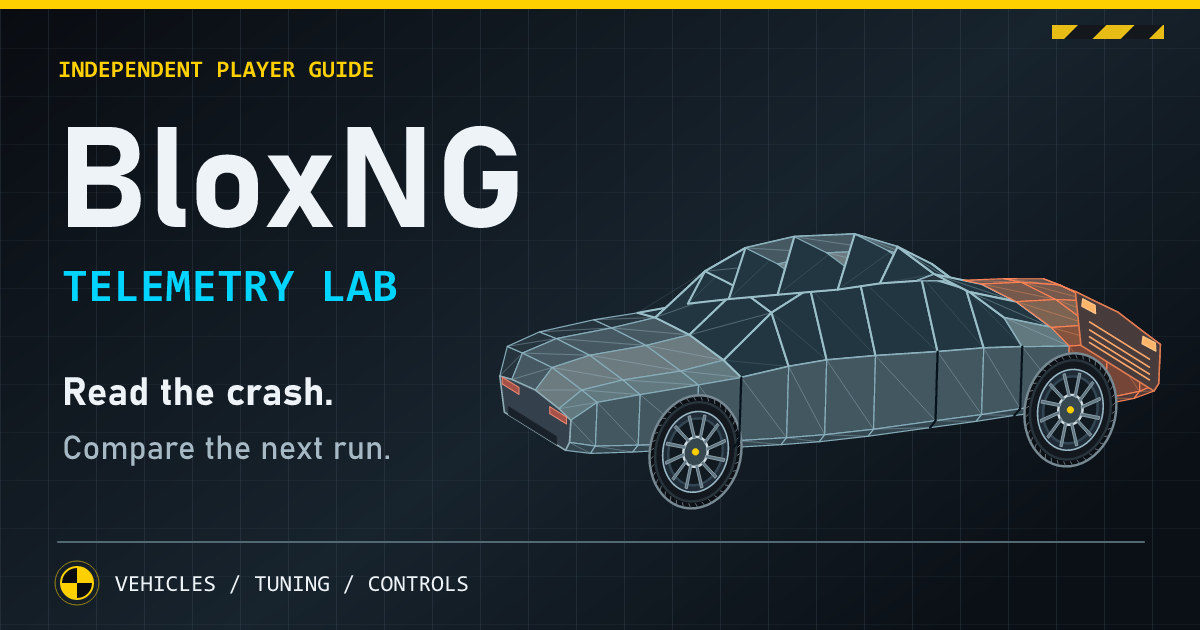
Pick a spot on the car and watch it through the whole 13-second film on the home page. Try the gap between the front wheel and the wall. It shrinks on the approach, then the illustrated nose starts to shorten. Play it again with your eyes on the front of the cabin. The fixed camera makes a small change easier to catch. We drew that sequence so you could practice following a hit before trying to catch one in moving gameplay.
Use the map drawings to pick a place for your own clip. The tunnel mouth and the yellow gantry are landmarks from dated footage. The lettered loop, drop and offset wall give you ideas for runs you can set up wherever you find suitable ground. Take the landing card to a low crest. Watch the gap above one tire close as your own car touches down. You can follow the first compression and the next bounce in a stock car. Try the four setups.
Revisions and corrections
Catch a mismatch? Give the next driver a way to find it. For a key that has moved, a tight crop of the controls panel with the action and the key on the same line is ideal. Include the date, your device and whether you were seated. For a dealer card, keep the model name and the currency in the crop. Leave chat and account names outside it.
For a handling correction, the few seconds before contact often matter more than the beauty shot of the wreck. Say which corner reached the barrier, whether you were still steering and what happened on the first touch of throttle afterward. If you clipped a curb on the way in, leave that bit in the clip. For a new garage feature, look for the developer's wording and the event date. The November timeline keeps scheduled events and published changes in order.
Guide funding and outside services
Every guide, chassis schematic, and frame-by-frame crash clip on this site is open to read without creating an account, and every baseline test works with the starter car already in your garage. When we document a paid Roblox pass, we list the developer's exact pass name and what it unlocks in-game—Roblox itself handles checkout and displays current Robux pricing. To support ongoing hosting and updates, this site may display advertising subject to our privacy and advertising choices.
Ready to drive? The first-impact walkthrough takes you from a clean approach to the first reluctant turn of a damaged wheel. If a pass you bought is missing, keep the receipt handy. Roblox Support can check the transaction on your account. Get help with a Roblox purchase.